How to connect to my server via the YaTQA program?
YaTQA is a tool for managing TeamSpeak 3 servers and instances using the query interface. If you don't want to spend ages learning query commands and understanding the output, YaTQA is what you need.
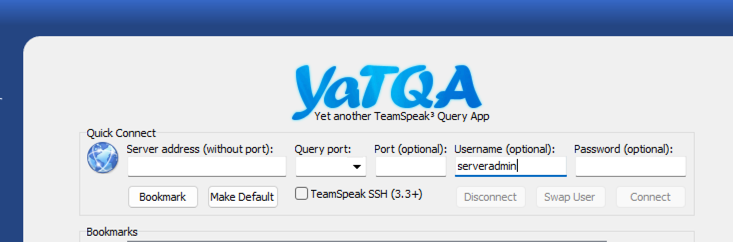
Checking settings
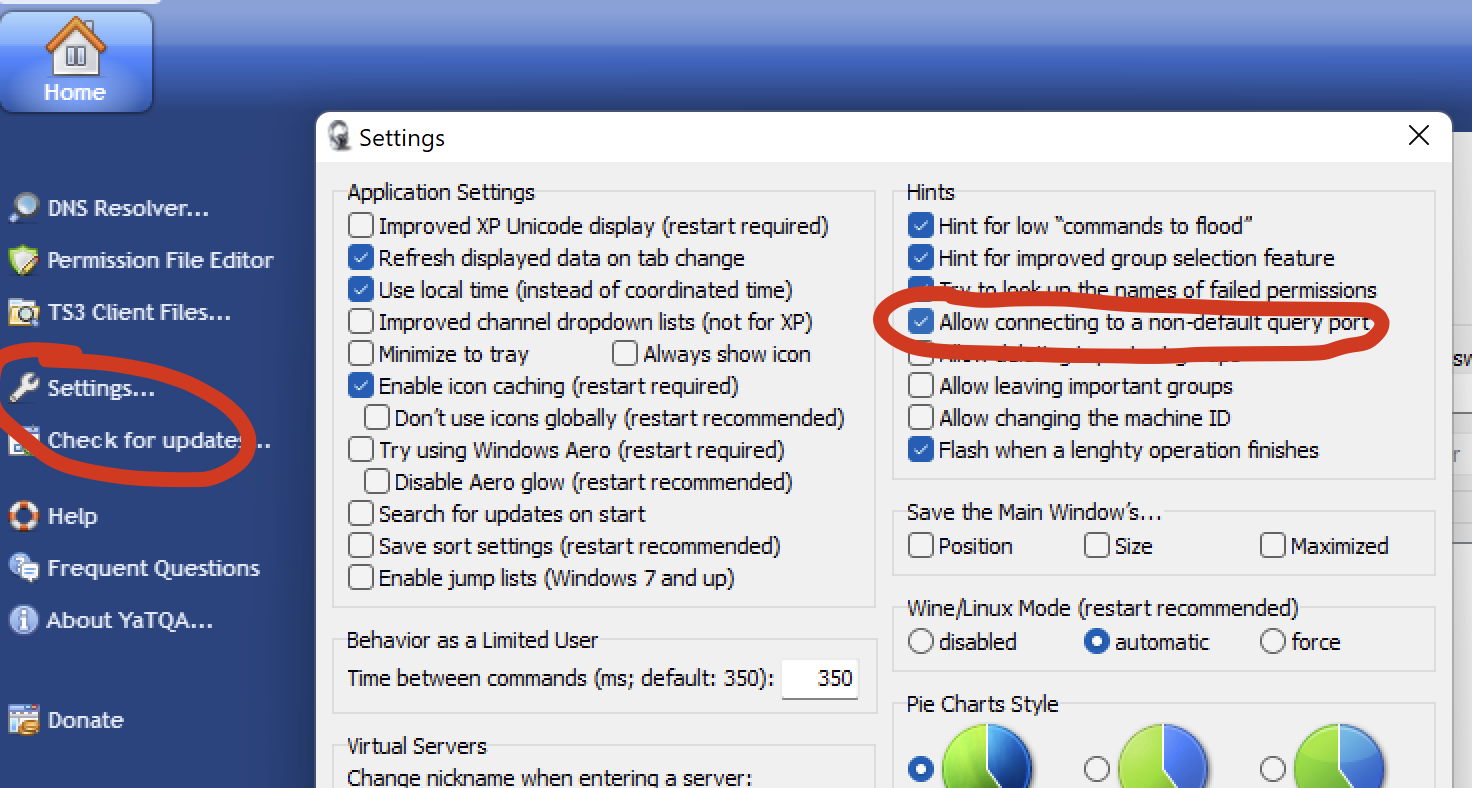
Before connecting, make sure that in the program settings
Settings... you allowed changing the default ports
of the program by checking the option
Allow connecting to a non-default query port
Connecting to the server
To connect to the server, we need to fill in the following fields:
- Server address (without port)
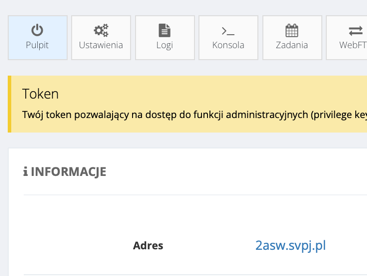
We'll find the server address in the Dashboard tab of the panel.
In this case, we enter 2asw.svpj.pl in this field
- Query port
We remove the default port and enter the contents of the Query port field
in the panel in the Settings tab:
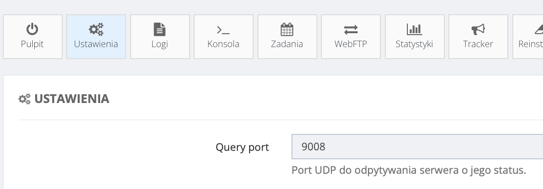
In our example, this will be 9008.
- Password
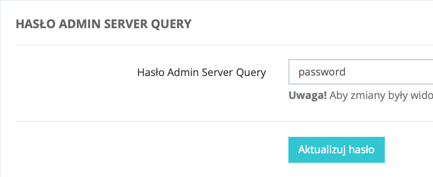
We enter the password for the serveradmin administrative account.
We'll find it in the panel in the Settings tab at the bottom of the page:
- After filling in these fields, click Connect and we should be connected.
Completed example configuration
