Restoring and creating a backup of a Palworld server
I'm migrating from another provider.
If you want to transfer settings and game save from another service provider,
all you need to do is copy the /Pal/Saved folder from the old server
and upload it to us via FTP or webFTP.
I would like to revert the Palworld world save.
If a cheater ruined the gameplay
or as a result of an error / other unwanted event
you would like to revert the game save to a different point in time,
you can use the backups we make.
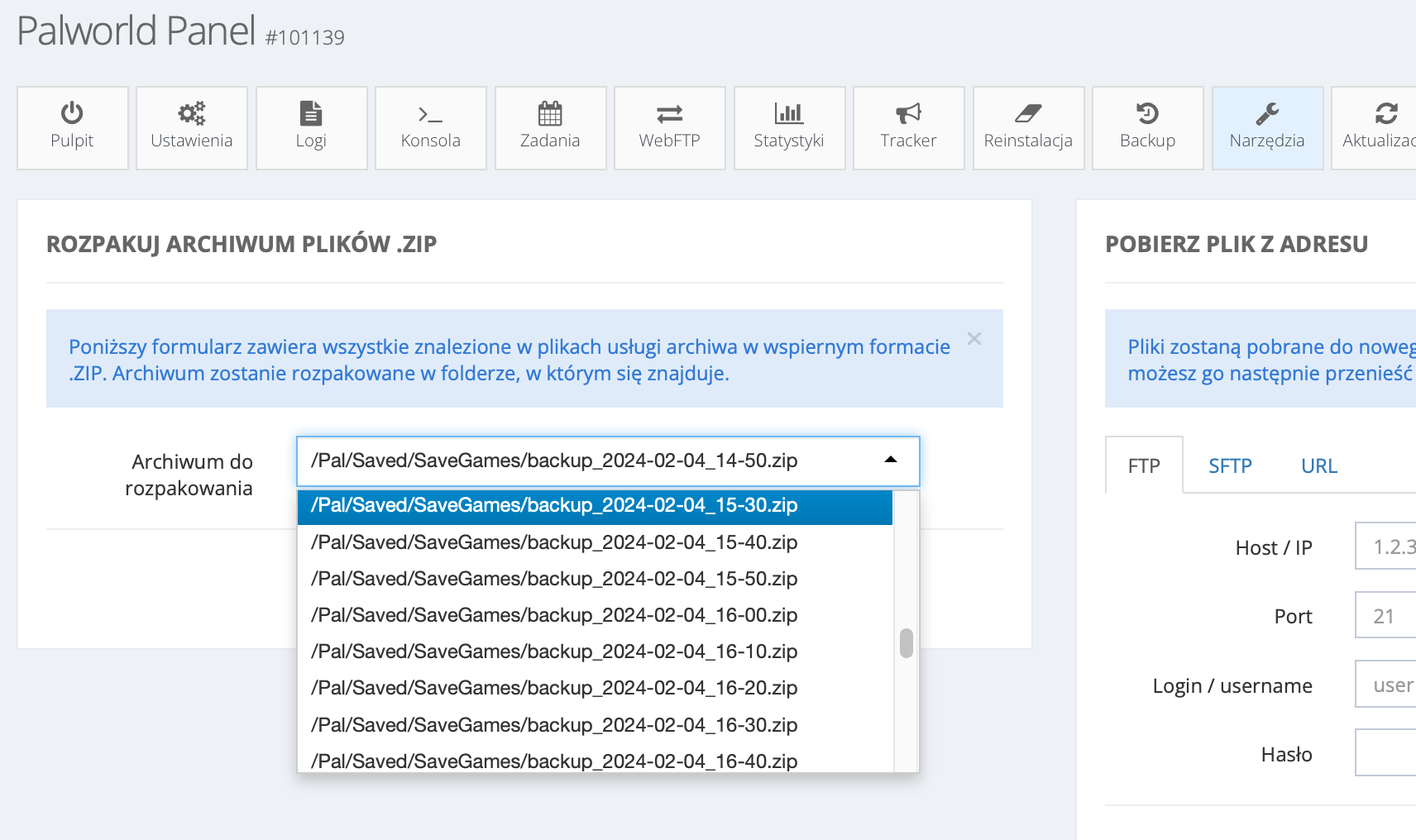
They are located in the /Pal/Saved/SaveGames/ folder and have
names in the format backup_DATE_TIME.zip.
You can easily restore such a backup using the Tools tab. Just click unpack, and the world save will be replaced with the one from the backup:
I want to make a backup of my server.
To make a backup, log in to FTP and download the Pal/Saved directory.
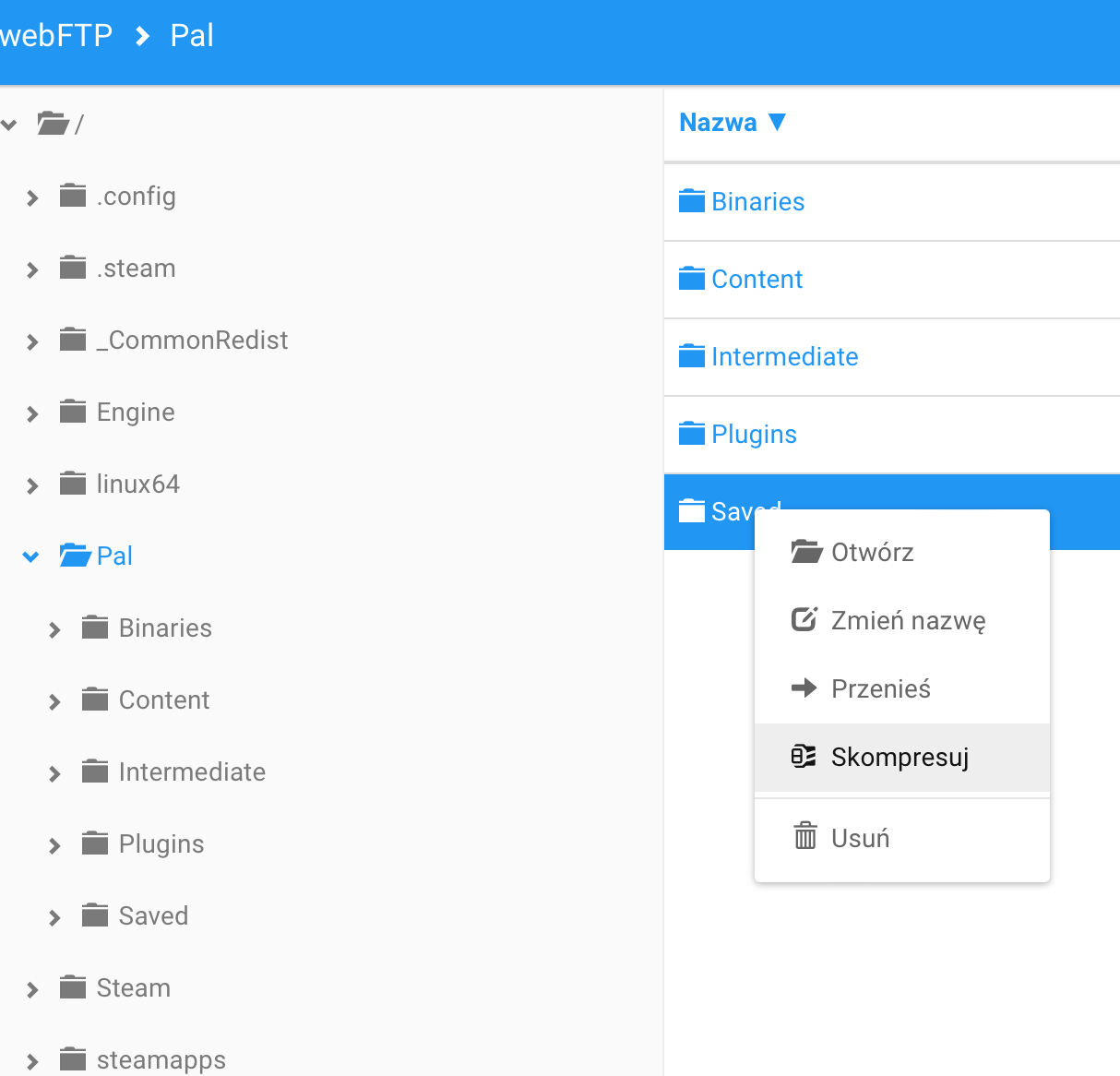
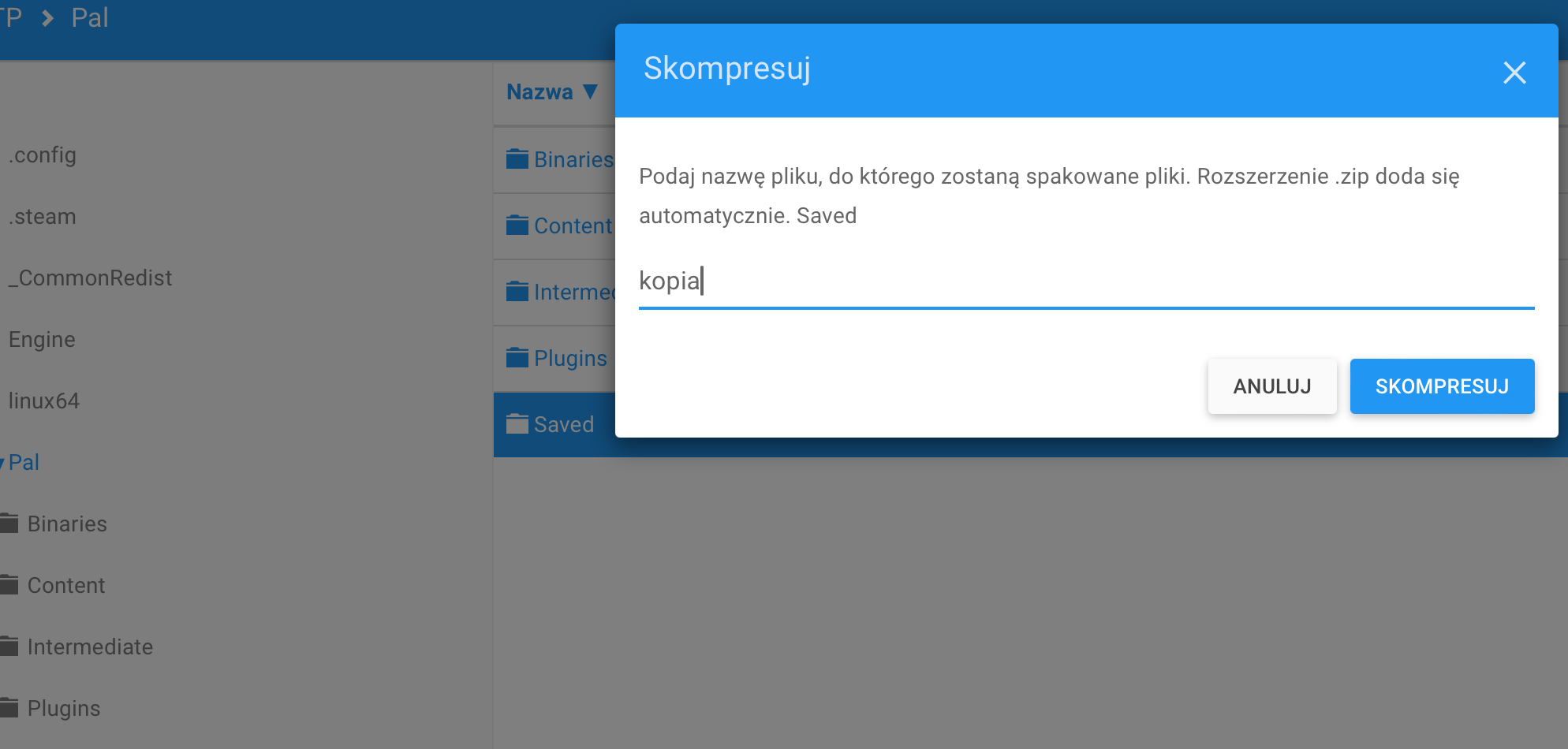
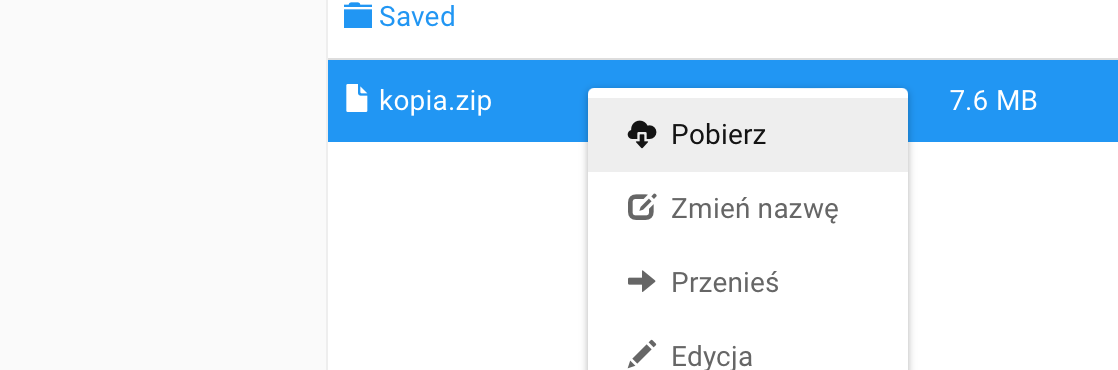
WebFTP allows easy compression and download of contents: