Prestashop 8 store installation
Introduction
PrestaShop is an Open Source e-commerce web application that provides the best shopping experience for both sellers and customers. It is written in PHP, is highly configurable, supports all major payment services, is translated into many languages and localized for many countries, has a fully responsive design (both front and back office),
Requirements
For installation, we need web hosting with an SQL database. After paying for the order, during installation we choose PHP version 8.3.
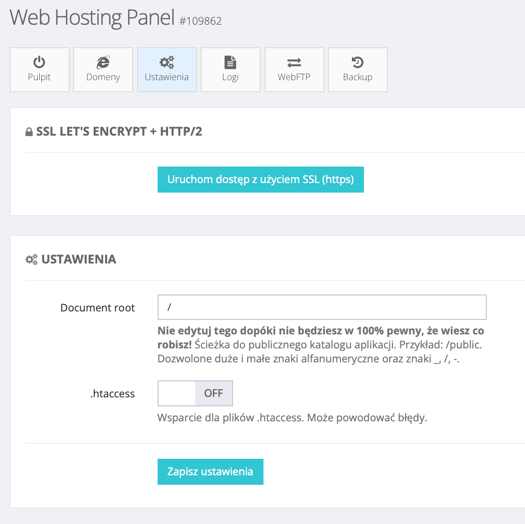
In the Settings tab, make sure that the .htaccess setting is disabled (OFF):
Prestashop Installation
Uploading files
Download prestashop_8.2.0.zip from the page:
https://github.com/PrestaShop/PrestaShop/releases
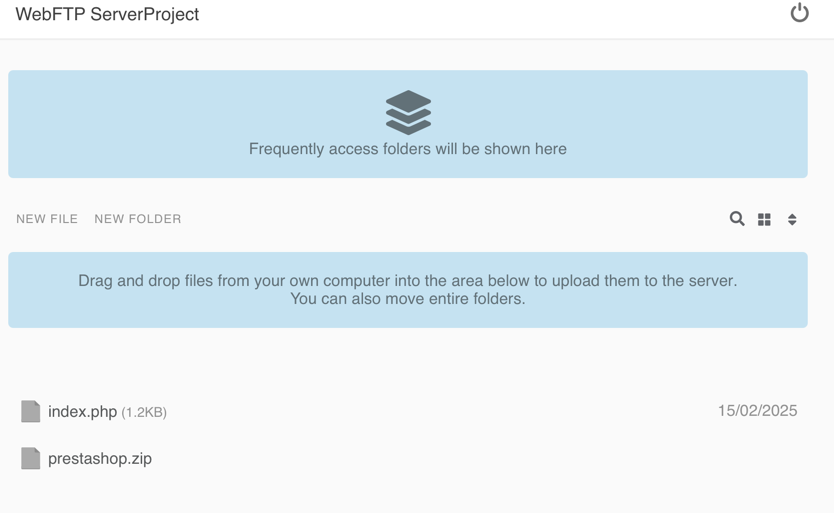
Unpack it on your computer, go to the folder and transfer the files:
- index.php
- prestashop.zip
to the server using FTP/WebFTP:
Installation via browser
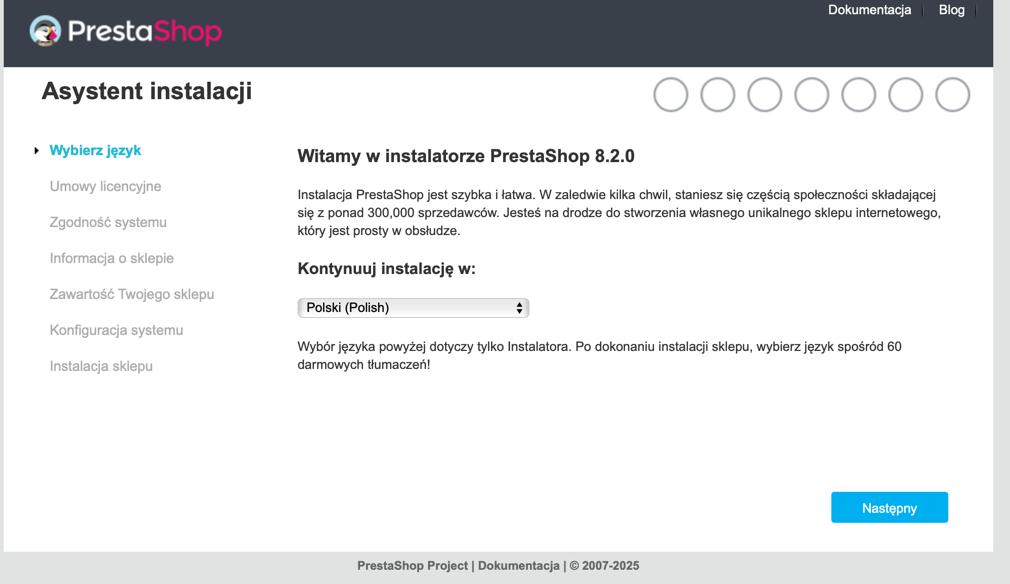
Go to the address (domain) of our web hosting. The installer will appear, select the language and proceed:
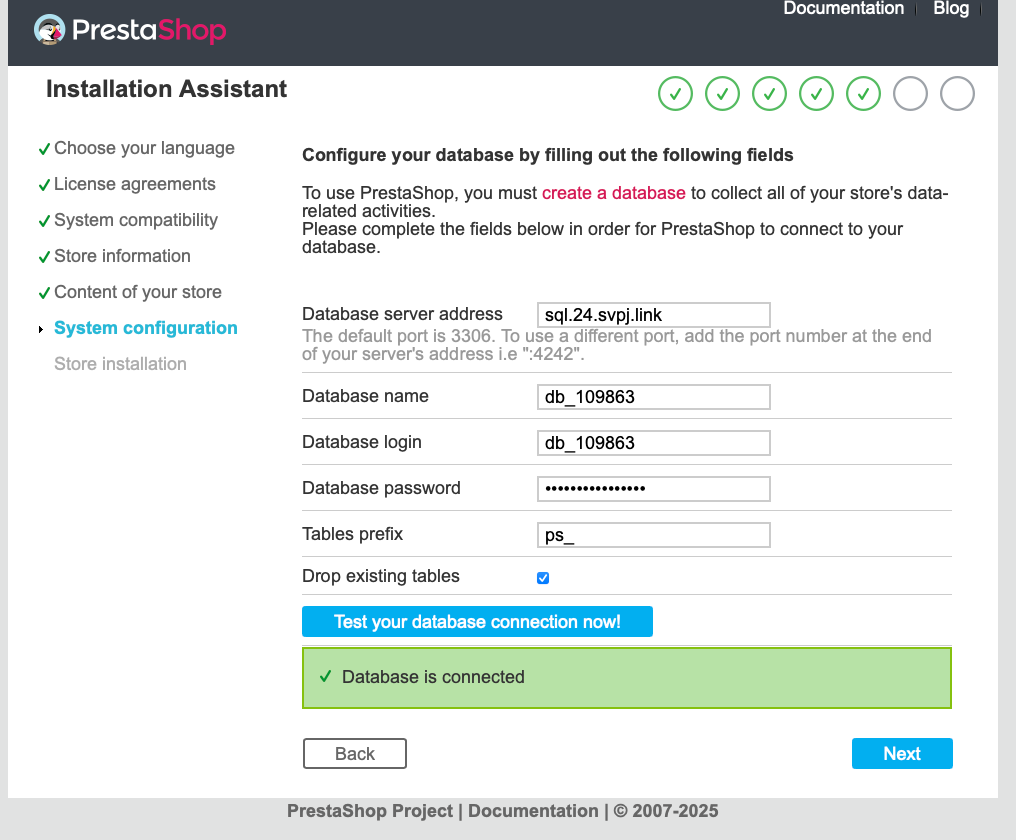
The installer will guide us through the next steps, pay attention to filling in the database installation data. You'll find this data in the database panel. In my case, it looks like this:
After installation is complete, delete the /install folder.
Done!